Automated BIM Cost Estimation with Class Formulas
Cost estimation in BEEMESTA means calculating a building’s cost from its BIM model: each element gets a class, the class formula turns its parameters into resources, and prices are pulled from supplier price lists. Quantities are calculated automatically, associated costs are added separately, and the result is broken down by budget item and exported to Excel.
What is a calculation formula in BEEMESTA
A formula is a structured description of the resources needed for one unit of a building element. The quantity of each resource is an expression of the element’s parameters — area, volume, length, perimeter — and the price comes from a price list instead of being typed in by hand. When the model changes or a price list is updated, the estimate recalculates itself. The catalog holds more than 650 calculation formulas for typical construction work.
- Products — structural elements; can have their own “Installation Formula”
- Materials — brick, concrete, rebar
- Works — masonry, concreting
- Machinery — crane, concrete pump
How BIM element classes link to formulas and design stages
Model elements are classified against a hierarchical construction classifier: a wall, slab, window or pipe is assigned a class. The report applies formulas automatically only to classified elements, so classification comes first and the report second. If one element is built differently from the rest of its class, the “Additional Formula” column lets you give it its own formula without creating a new class.
Class formulas are set per design stage: “Concept”, “Schematic”, “Development” and “Working Documentation”. The version’s stage determines which classes are required, and the report warns you if any are missing.
BEEMESTA’s ready-made base: classifications, formulas, budget items
You don’t have to build the classifier and formulas from scratch. BEEMESTA ships BIM and resource classifications, the “Formula Catalog”, system budget items and associated costs. A company adds the classification it needs and starts estimating with it right away, while the “Formula coverage” matrix shows which classes and stages still have no formulas.
In “Catalogs”, BEEMESTA’s ready-made settings sit next to the company’s own. When a formula needs to differ, you copy it to your company and adapt it to your own construction method: the copy lives alongside the original and never overwrites it. That way the base reference data is maintained centrally, while the company’s settings remain its own.
Associated costs: money that isn’t in the model
Associated costs are items that are definitely in the budget but have no geometry: logistics, mechanization, overheads, profit, architectural supervision. They are calculated with their own formulas — from a total or an indicator rather than from a specific wall. The estimate total is made up of the cost of modeled elements, non-modeled elements and associated costs.
BEEMESTA’s system associated costs can be opened for editing — they are saved as the company’s own copy, and the original stays unchanged. The report has a separate “Associated Costs” tab for them, from which you can open a cost’s formula without going to the catalogs.
What is the Budget Structure
The budget structure is a reference list of cost items grouped into sections, which the estimate is broken down by. BEEMESTA provides a shared list of system items, and a company adds its own. Every class formula and every associated-cost formula is linked to an item, so the breakdown happens automatically.
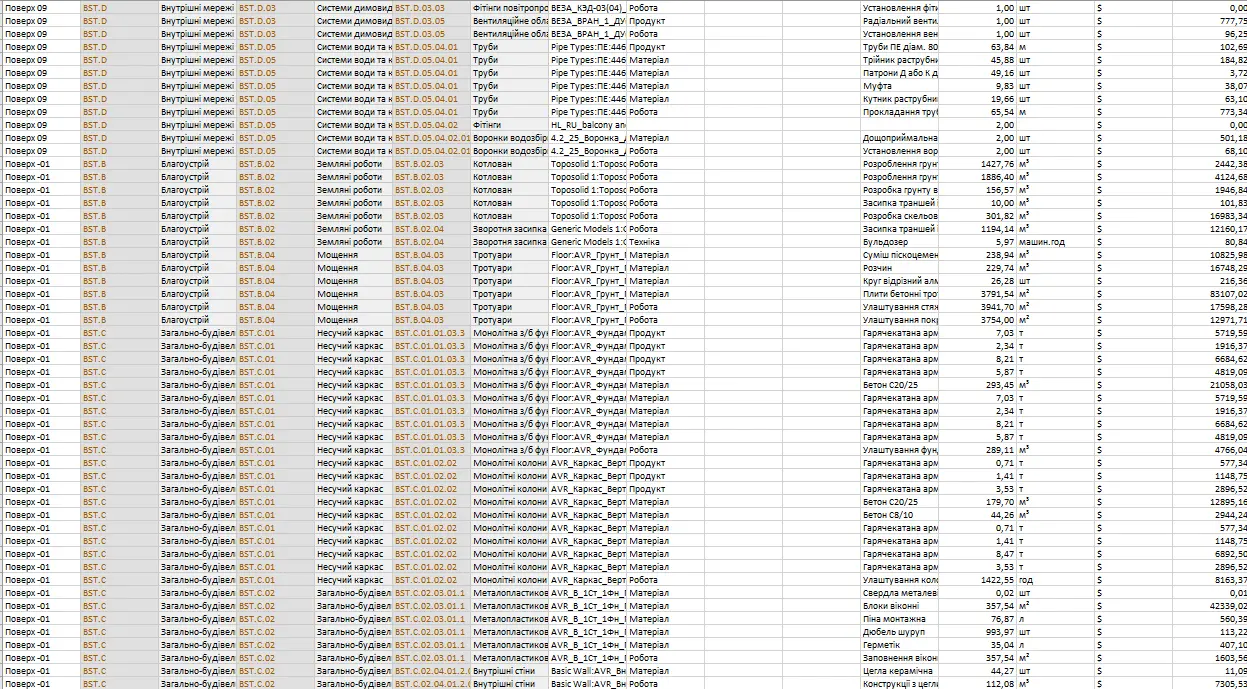
In the report, the “Budget structure” tab shows totals for every item and section, with a currency switch and cost per m². The same breakdown is visible in the 3D viewer, and the Excel export writes it to a separate sheet with detail down to individual resources. The structure is chosen when the report is created: it can’t be added later.
Reports, Excel export and comparisons — instead of a manual Excel estimate
A report shows one estimate from several angles: “Model classes”, “Products”, “Materials”, “Works”, “Machinery”, “Associated Costs” and “Budget structure”. The “Export Constructor” builds an Excel file with the columns you need: grouping by classes, associated costs or tags, a budget structure sheet, and comparison with snapshots. The “Summary budget” combines several project versions into one budget.
In Excel, an estimator does the quantity takeoff by hand from drawings and gathers prices through phone calls and copy-pasted price lists. In BEEMESTA, quantities come from the model and prices from supplier price lists, so once the model is classified the estimate is ready in minutes.